IntelliJ IDEA plugin
Installation
Download the plugin from here.
To install within IntelliJ IDEA, open File -> Settings -> Plugins -> ⚙️ -> Install plugin from Disk and select the downloaded file.
Usage
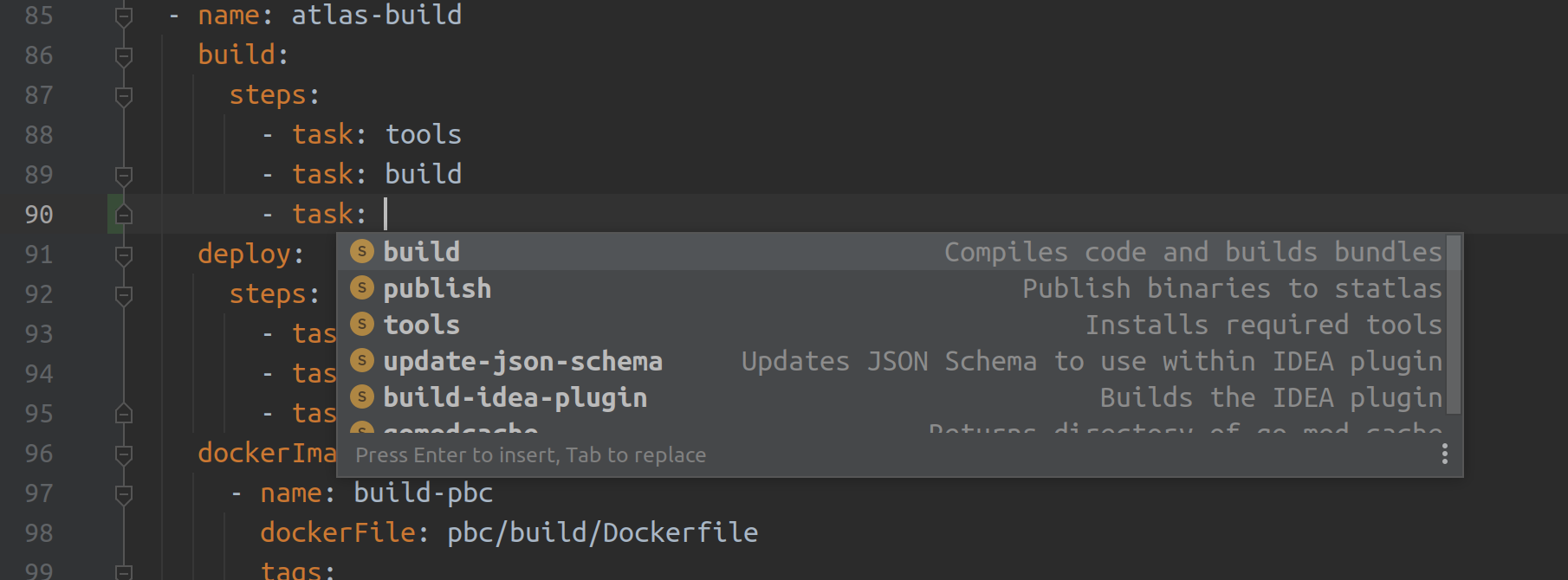
Plugin provides a set of actions that can be used to write Welder descriptor files. It validates the descriptor and provides easy navigation and auto-completion when you make changes to it.